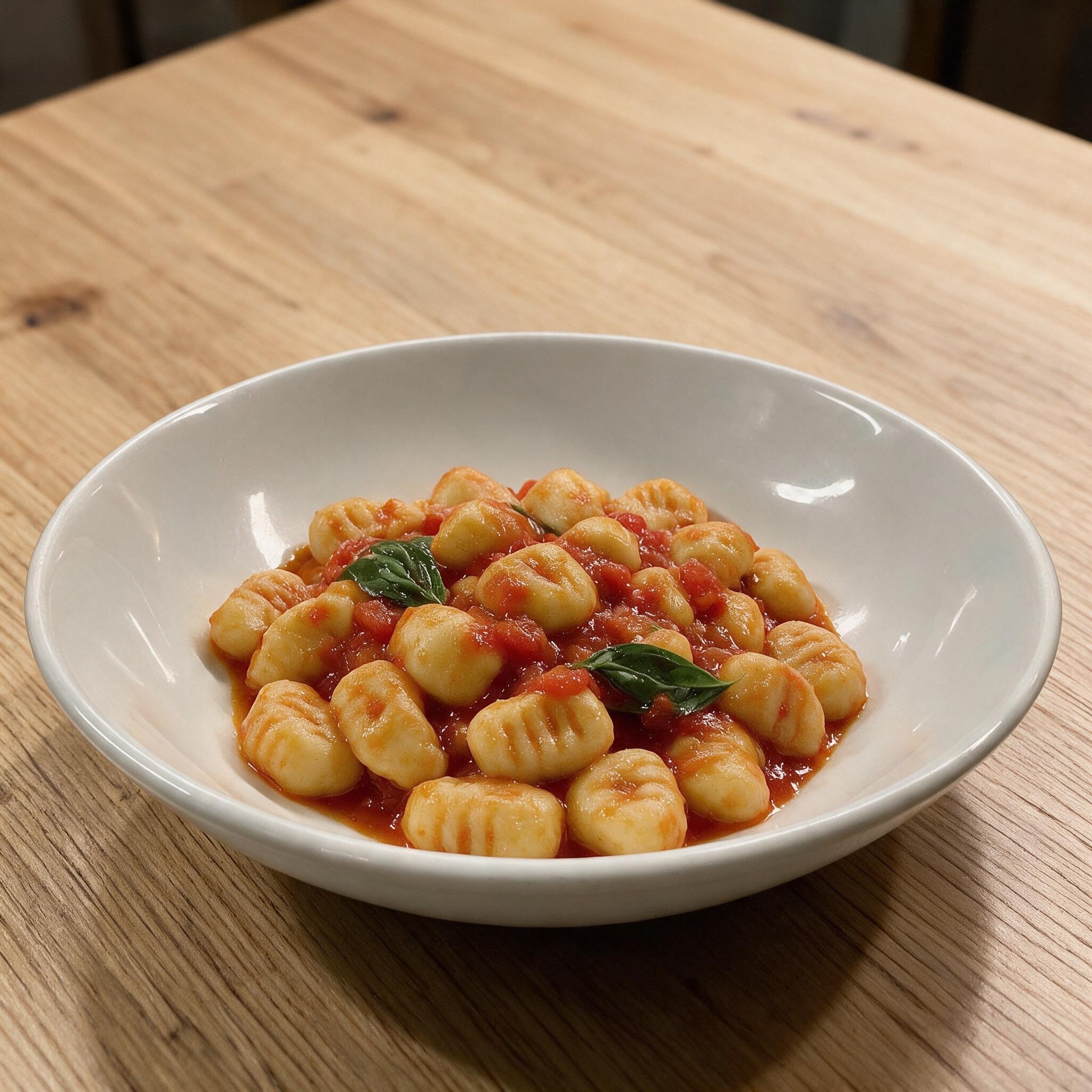
A menu with pictures works when the right dishes are shown clearly and honestly. This guide helps restaurants decide which food photos belong on the menu.
A restaurant food image workflow helps restaurants stop improvising every photo. Here is a practical process for menu, Google, social media, website and delivery images.
Restaurant website photos help guests understand the food, room, and reason to visit. This guide shows which photos matter most and how to prepare them.
A sourced, citation-friendly collection of restaurant menu photo, delivery app, online ordering, Google/social discovery, and restaurant technology statistics.
Restaurant photos on Google help guests decide before they visit. This guide shows which Google Business Profile photos matter most and how to keep them honest.
Short food videos can explain texture, steam, portion size, and appetite faster than a static gallery.
Questions?
Do I need to sign in to read the articles?
No. Articles are available without an account. Creating and downloading your own photos through YumMate.app requires an account.
Which photo should I upload?
Use your own sharp, well-lit dish photo. Show the whole dish, ideally slightly from above, without people or distracting objects. JPG, PNG and WEBP up to 10 MB are supported.
Will my dish stay exactly as photographed?
Your photo is the starting point. YumMate.app edits it with AI, which can change dish details and make mistakes. Check ingredients, portions and presentation before publishing.
Can I try it without an account?
You can view the first image preview without an account. Creating and downloading your files requires an account.
Do I own the rights to the images, videos and music?
You can use your generated content commercially under our terms and the conditions of the providers used. YumMate.app transfers the rights it can legally transfer to you. Music is also subject to the respective provider’s licence terms. Exclusive ownership of all AI content or unrestricted use in every context is not guaranteed. You must hold the necessary rights to your uploaded photos.
Do I need to label the content as AI-edited?
Labelling requirements can depend on the content, platform and applicable rules. There is no universal assurance for every use. Check your channel’s rules before publishing and leave existing provenance markings intact.